
AI Movie Maker: From an Idea to a Finished Film
Describe the film in a sentence or paste your screenplay. The AI movie maker writes the script, casts your characters, draws a storyboard, animates the shots and adds a narrator, a score and captions — a finished short film, made by one person, with no crew and no camera.
- Writing the script is free
- Up to 15 minutes
- Same cast in every scene
- No watermark
Sexually explicit (NSFW) content is strictly prohibited.
Short films made with the AI movie maker
Each film below started as a few lines of story and came out of the AI movie maker finished: cast, scored, narrated and cut together, with no editing afterwards.
Human Curiosity · 1:30
Documentary-style narration over animated scenes — the format that usually needs a studio and a motion designer.
Jonah and the Fish · 1:28
A told story with a recurring cast, the case where a face changing between scenes ruins the whole thing.
Atlantis · 1:21
World-building no stock library carries, scored and narrated end to end.
Savannah Summer · 1:11
A story for children, where the hero has to still look like the hero on the last page.
My Best Friend Max · 0:37
A short character piece — two leads, several scenes, one continuous look.
Tom's Story · 0:34
The short-form cut: a complete beginning, middle and end inside half a minute.
Shoot it live-action, or animate it
The AI movie maker opens on Cinematic, for scenes that look filmed rather than drawn. 64 looks in all: cinematic, analog film, black-and-white, cyberpunk and fantasy art for drama and sci-fi, and comic, watercolor, anime and 3D animated for animated films.
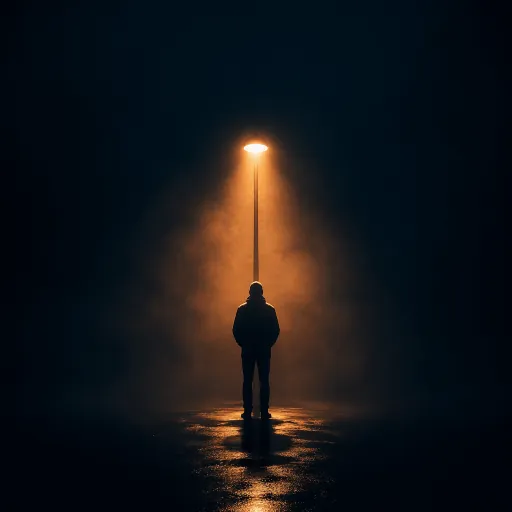 Cinematic
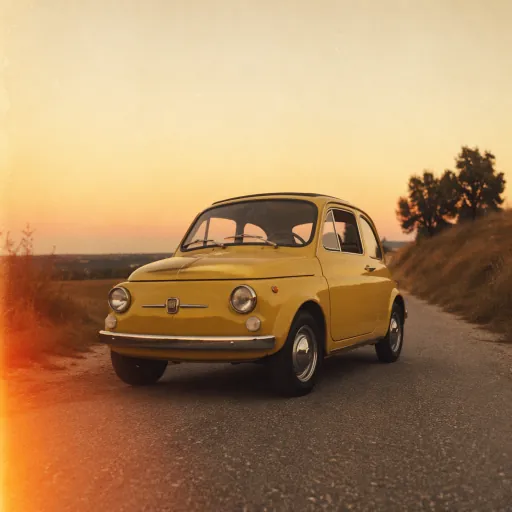 Analog Film
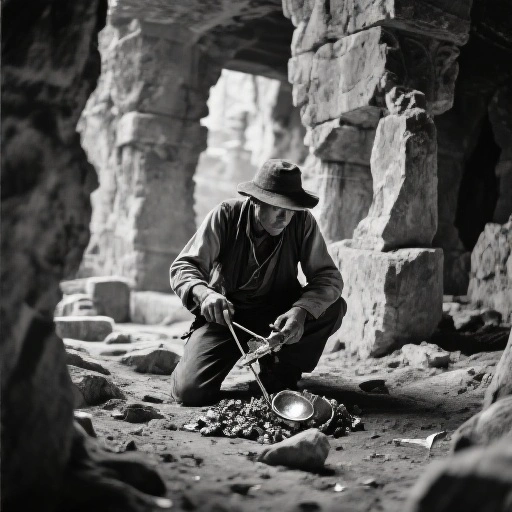 Black and White Photography
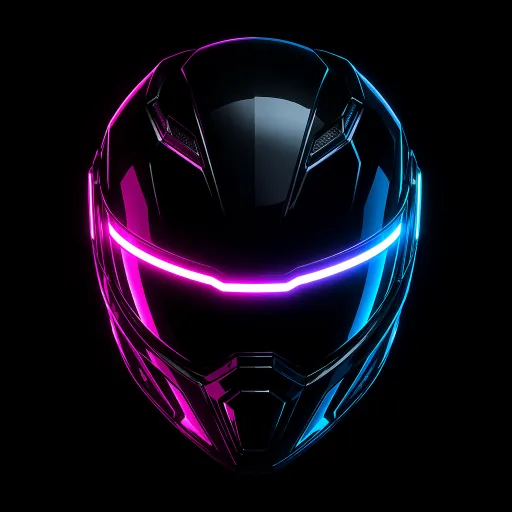 Cyberpunk
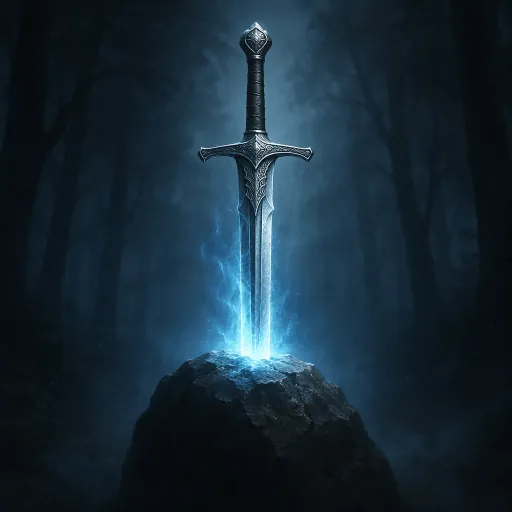 Fantasy Art
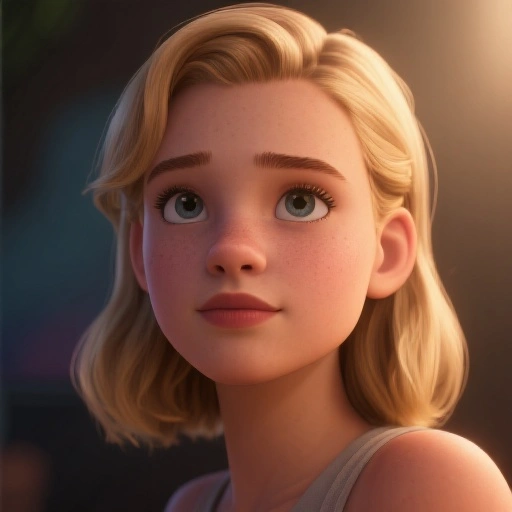 Cinematic 3D Animation
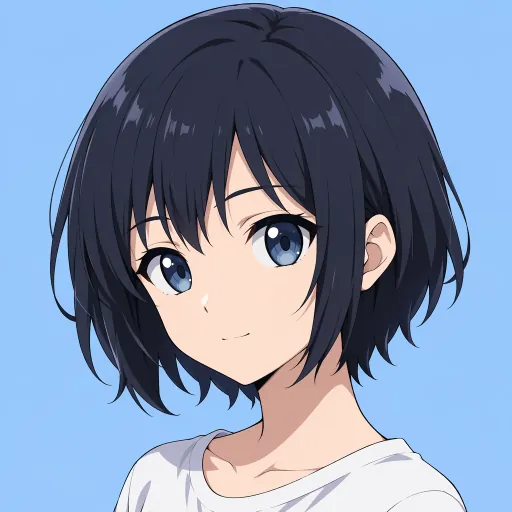 Clean Anime
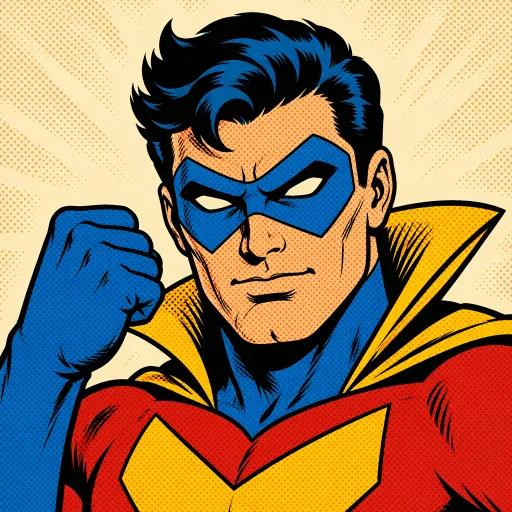 Retro Comic Book
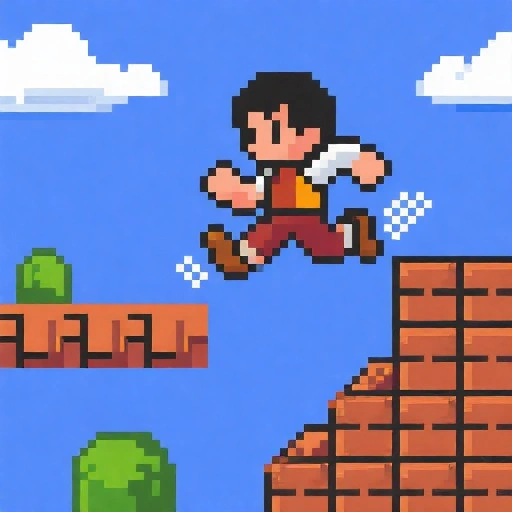 8-bit Pixel Art
Making an animated film? AI cartoon video generator · AI anime video generator
What is an AI movie maker?
An AI movie maker, or AI film maker, turns an idea into a film. You describe the story; it writes the script, decides the scenes, designs the characters, generates every shot and puts them together with sound. Making a movie with AI this way replaces the camera, the cast and most of the edit, not the storytelling.
Most AI video generators make one five- to fifteen-second shot from one prompt. A short film needs dozens of those shots with the same people in them, plus a voice, a score and an edit, and stitching that together by hand is where AI filmmakers spend most of their time and money. The Genie4AI movie maker plans the whole film at once and keeps the cast fixed from the first scene to the last.
It suits films carried by a narrator: short films, sci-fi and fantasy stories, horror, documentary-style history, animated stories for children and YouTube story series. If your characters need to speak their own lines on screen, read the comparison below first: that comes from Genie4AI 1.0 or single talking shots, not the story workflow.
Already have a finished script, or making a cartoon or anime? Script to Video AI · AI Cartoon Video Generator · AI Anime Video Generator
How to make a movie with AI
- 1
Pitch the film in one line, or paste the screenplay
“An astronaut stranded on Mars finds a garden growing in a crater” is enough: the AI writes the script. Already written it? Paste it, and the narration keeps your words exactly.
- 2
Choose the look, the narrator and the running time
Realistic or animated, a narrator in one of 17 languages, 16:9 for YouTube or 9:16 for Shorts, and a running time from 15 seconds to 15 minutes.
- 3
Cast the characters and approve the storyboard
Attach pictures of your own characters, props or locations, or let the AI design the cast. Every scene is drawn as a storyboard frame first; edit the prompt or redraw any frame until it is right.
- 4
Animate, score and export
Pick the shots that should move, choose a ready track or have music composed for your film, add captions and export the finished movie.
An AI movie generator built for whole films
One idea in, one finished film out
Script, cast, storyboard, animation, narration, music and captions come out of one place, instead of five tools and an editor.
Storyboard first, spend after
Writing the script is free. You see every storyboard frame before anything is animated, so credits go on shots you have already approved.
Reshoot one scene, not the whole film
Redraw a single frame and keep the rest; the earlier take stays as a variant in case you want it back.
The same cast in every scene
Attach up to 5 pictures of your own characters, props and locations, and let the AI design up to 3 more main characters. Each is fixed once and reused in every shot, so no face, costume or haircut changes mid-film.
Longer than a clip
From a 15-second teaser to a 15-minute short, in 16:9 for YouTube or 9:16 for Shorts, Reels and TikTok.
Pay for motion only where it matters
Choose which shots animate and which hold as still frames. Still frames cost far less, and failed animations refund their credits automatically.
Films people make with AI
Short films and festival entries
A complete short with a beginning, middle and end, made alone, in a realistic or painted look.
Sci-fi and fantasy worlds
Planets, lost cities and creatures no stock library carries, in the cinematic, cyberpunk or fantasy art looks.
Horror and thrillers
Slow-burn scary stories and mysteries with a tense score, in the cinematic or black-and-white photography looks.
History and documentary-style films
Narrated films about real events and people, over realistic or painted scenes.
Animated films for children
Fables and adventures in 3D animated or soft watercolor looks, with a calm narrator.
YouTube story series
Recurring characters across episodes, a new film every week, without filming or animating by hand.
AI movie maker vs other ways to make a film with AI
There are three kinds of AI film tool. Each fits a different kind of film.
| Shot-by-shot director tools | Genie4AI movie maker | Stock-footage movie makers | |
|---|---|---|---|
| Where you start | A prompt for each shot | One idea or a whole screenplay | A script or a topic |
| Pictures | Generated shot by shot | Generated for every scene of your film | Library clips matched to keywords |
| Characters | Reference images you manage per shot | Fixed once, reused in every scene | Different people in every clip |
| Voices | Often lip-synced dialogue | One narrator in the story workflow; lip-synced dialogue with Genie4AI 1.0 or talking shots (Seedance 2.5, Vidu Q3, Kling 3.0, H3) | A voiceover |
| Camera | Lens, angle and movement controls | Chosen by the AI; edit a scene’s prompt to change it | Whatever the footage has |
| Your work | Generate, select, edit and mix | Approve the storyboard and export | Swap clips that do not fit |
Director tools give the most control and suit dialogue scenes and live-action drama. Stock footage suits explainers about real places. For a narrated film with its own characters and world, generating the whole film at once saves the stitching.
Is there a free AI movie maker?
Partly. Writing the script is free with a free account. Casting the characters, the storyboard frames, the narration and the animation use credits, and animation is what uses most.
One minute of film is about 232 credits with still frames, or about 1,732 with every shot animated (60 seconds of narration). You choose which shots move, and each step shows its exact cost before you confirm.
Plans start at $39 a month for 5,000 credits: about 21 minutes of film with still frames, or about 2 fully animated minutes. Films have no watermark on any plan.
Good to know before you start
- The story workflow tells the film with one narrator voice; characters do not get their own voices there. For lip-synced dialogue, use Genie4AI 1.0 (the One-click video link under the story box), or make talking shots of up to 15–30 seconds with Seedance 2.5, Vidu Q3, Kling 3.0 or H3 Max and cut them in.
- There are no lens or camera-move controls; the AI frames each shot, and you can edit a scene’s prompt or redraw it.
- A film keeps up to 5 of your own pictures and up to 3 AI-designed main characters fixed; extras are drawn scene by scene.
- Each animated shot runs 5 to 15 seconds, so a long film is told in more shots. You cannot upload your own video footage.
AI movie maker FAQ
Can I make a film using AI?
Yes. Describe the story in one line or paste a screenplay, and the AI movie maker writes the script, casts the characters, draws and animates every scene and adds narration and music. One person can finish a short film of up to 15 minutes, with no crew and no camera.
Is there a free AI movie maker?
Partly. Creating an account and writing the script are free. Casting the characters, drawing the storyboard, the narration and the animation use credits from a plan or a one-time credit pack, and each step shows its cost before you confirm.
How is an AI movie maker different from an AI video generator?
An AI video generator makes one short shot from one prompt. An AI movie maker plans the whole film: it splits the story into scenes, keeps the same characters in every one, and adds narration, music and captions, so you get a finished film instead of a folder of clips to edit.
What is the best AI film maker?
It depends on the film. For dialogue scenes and precise camera work, a shot-by-shot director tool gives the most control, at the cost of generating and editing every shot yourself. For a narrated film with its own characters, an AI film maker that plans the whole film, like this one, gets you from idea to finished film fastest. Try both on the same short scene before you commit.
How long can an AI movie be?
From 15 seconds to 15 minutes of narration. Longer films are told in more shots, and you decide which of them animate.
How much does it cost to make a short film with AI?
About 232 credits a minute with still frames, or about 1,732 with every shot animated, for 60 seconds of narration. Writing the script is free, the cost of each step appears before you confirm, and failed animations are refunded automatically.
Can I turn my own screenplay or short story into a movie?
Yes. Paste the text and the narration follows it word for word; the AI only plans the scenes and pictures around it. A short story or a chapter works the same way.
How do I keep the same characters in every scene?
Attach a picture of each character as you write, name it, and write @ and the name wherever it appears; or let the AI design each main character once, before any scene. That picture is the reference for every shot the character is in, and you approve the cast first. A film can keep up to 5 of your own pictures and up to 3 AI-designed main characters.
Can the characters talk to each other?
Not in the story workflow: there the film is told by one narrator, in any of the supported languages. For characters who speak their lines to each other with lip sync, use Genie4AI 1.0 (the One-click video link under the story box): it makes a whole cut video with its own shots, narration, music and lip-synced dialogue, from 15 seconds up. Or make single talking shots on the generate page with Seedance 2.5 (one take up to 30 seconds), Vidu Q3, Kling 3.0 or H3 Max (up to 15 seconds each), sound included, and cut them into your film.
Can I make an animated movie with it?
Yes. Besides the realistic looks there are comic, watercolor, anime, pixel art and 3D animated styles, 64 in all, and every scene and character is drawn in the one you pick.
Can ChatGPT create movies?
ChatGPT can write a screenplay, but it does not turn it into a finished, narrated film with a consistent cast. You can paste a screenplay from ChatGPT or any other tool into the AI movie maker and it is made into one.
Is it legal to make and post a movie made with AI?
Yes. You own the films you make and can use them commercially, on every plan. Avoid copyrighted characters and real people's likenesses you do not have permission for, and follow each platform's rules for AI-generated content. The narrator speaks 17 languages, so a film can be released in more than one.
Is there a watermark?
No. Films export without a watermark, on every plan and credit pack.
Make your first film with AI
Pitch it in one line or paste the screenplay — the AI movie maker casts it, shoots it and scores it.
Start writing your filmRelated tools
Other pages that open the same studio, set up for a different kind of video.
- AI Cartoon Video GeneratorTurn an idea or a script into a narrated cartoon video.
- Script to Video AIPaste a finished script and get an animated video back.
- AI Anime Video GeneratorStory videos drawn in an anime style, with narration.
- AI Animation GeneratorShort animated clips, or a still image brought to life.
- AI Story Video GeneratorAny story, told in the art style you pick.
- Dola AI Video GeneratorDola-style Seedance videos online, with no watermark.
- MiniMax H3 Video GeneratorMiniMax H3 videos with sound, on H3 Max in your browser.
- Wan AI Video GeneratorWan 3.0 videos up to 30 seconds, in 1080p with sound.
- Kling AI Video GeneratorKling 3.0 clips up to 15 seconds, in 1080p with sound.
- PixVerse AI Video GeneratorPixVerse V6 and C1 clips up to 15 seconds, in 1080p with sound.
- Vidu AI Video GeneratorVidu Q3 clips up to 15 seconds, with dialogue and sound.